Inspect and troubleshoot
Follow the state of a running lab, capture traffic on an interface, and test how a network behaves under difficult conditions.
Inspect and impairments
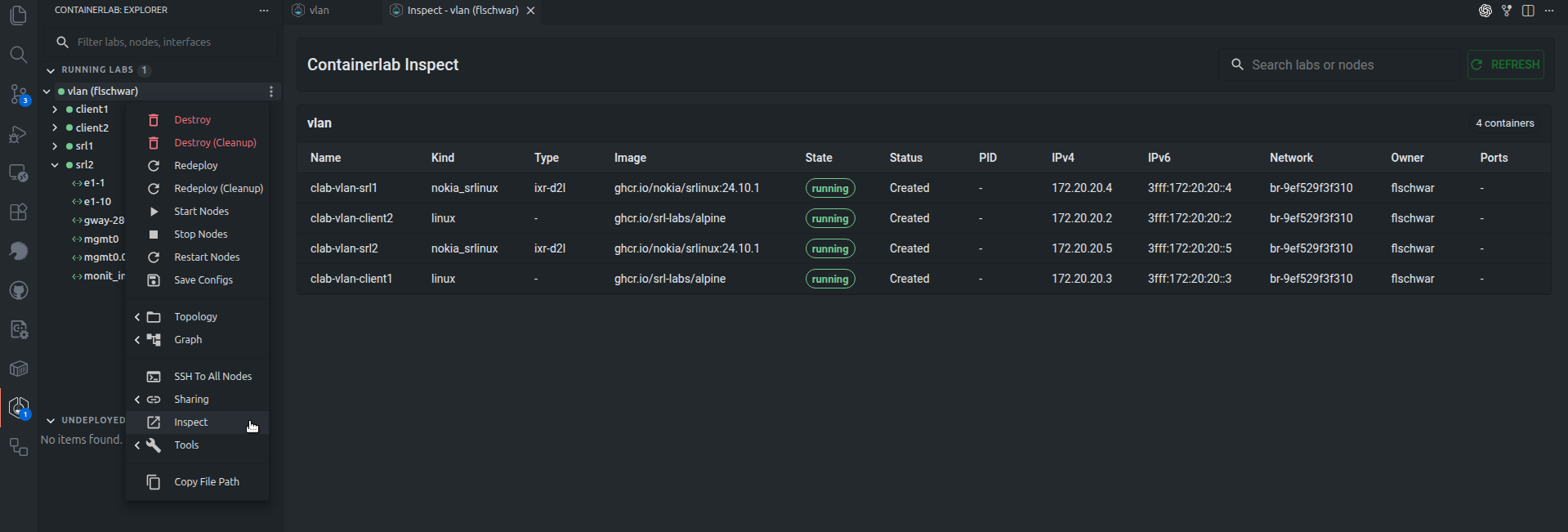
The inspect view shows running lab details in a table similar to containerlab inspect.
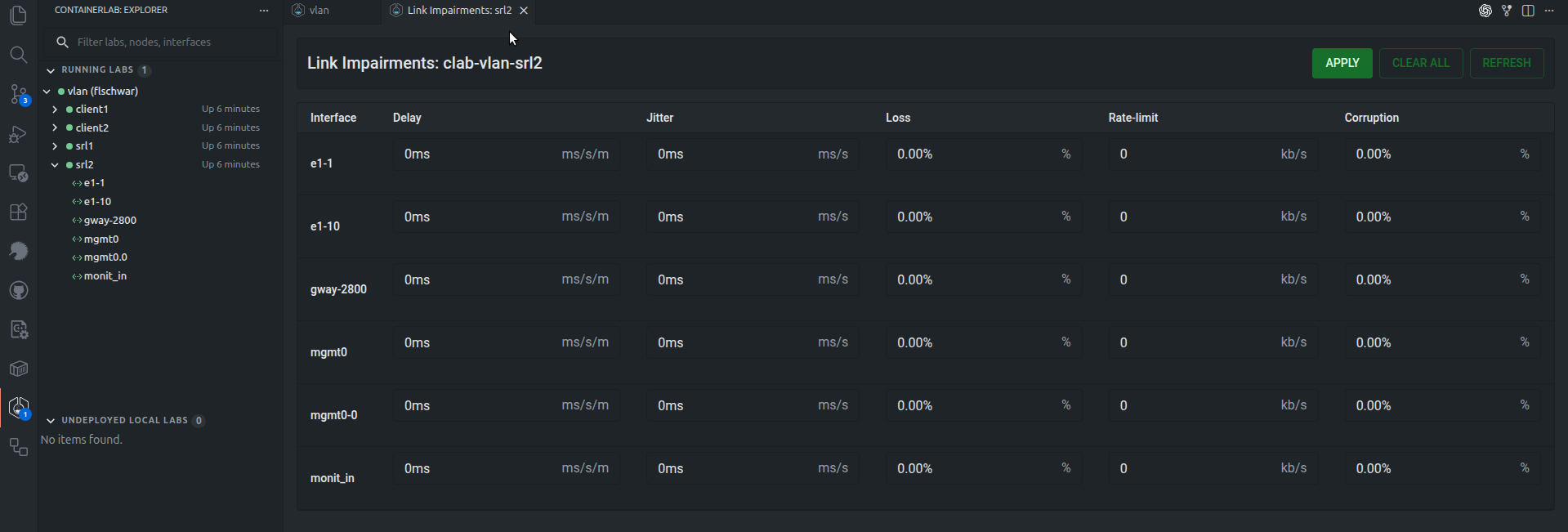
The GUI can also manage link impairments where supported by the host platform. Link impairments include delay, jitter, packet loss, rate limiting, and corruption.
Platform support
Link impairments require Linux networking support on the Containerlab host.
Packet capture
Packet capture is available from interface actions when the host supports capture operations. The GUI uses Edgeshark/Packetflix capture URIs and Wireshark VNC sessions.
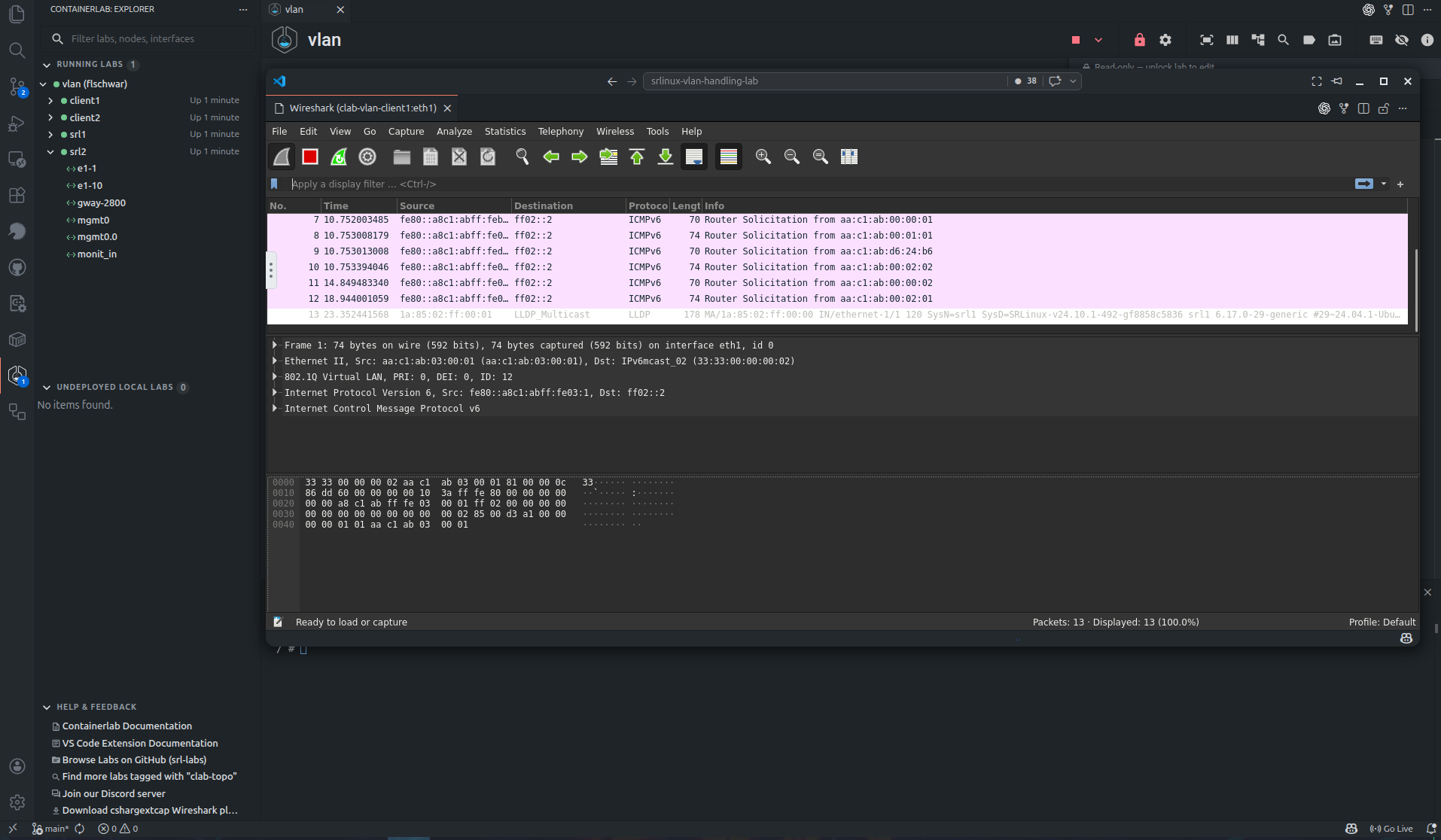
The launch path depends on the host:
| Host | Capture behavior |
|---|---|
| VS Code | The extension starts the capture flow from the VS Code host and opens Wireshark VNC in a VS Code webview. |
| Desktop and Web | The app calls API server capture endpoints and opens Wireshark VNC in a desktop or browser window. |
For packet capture to work, the Containerlab host must be able to run the required capture containers and expose the capture stream to the GUI host.